
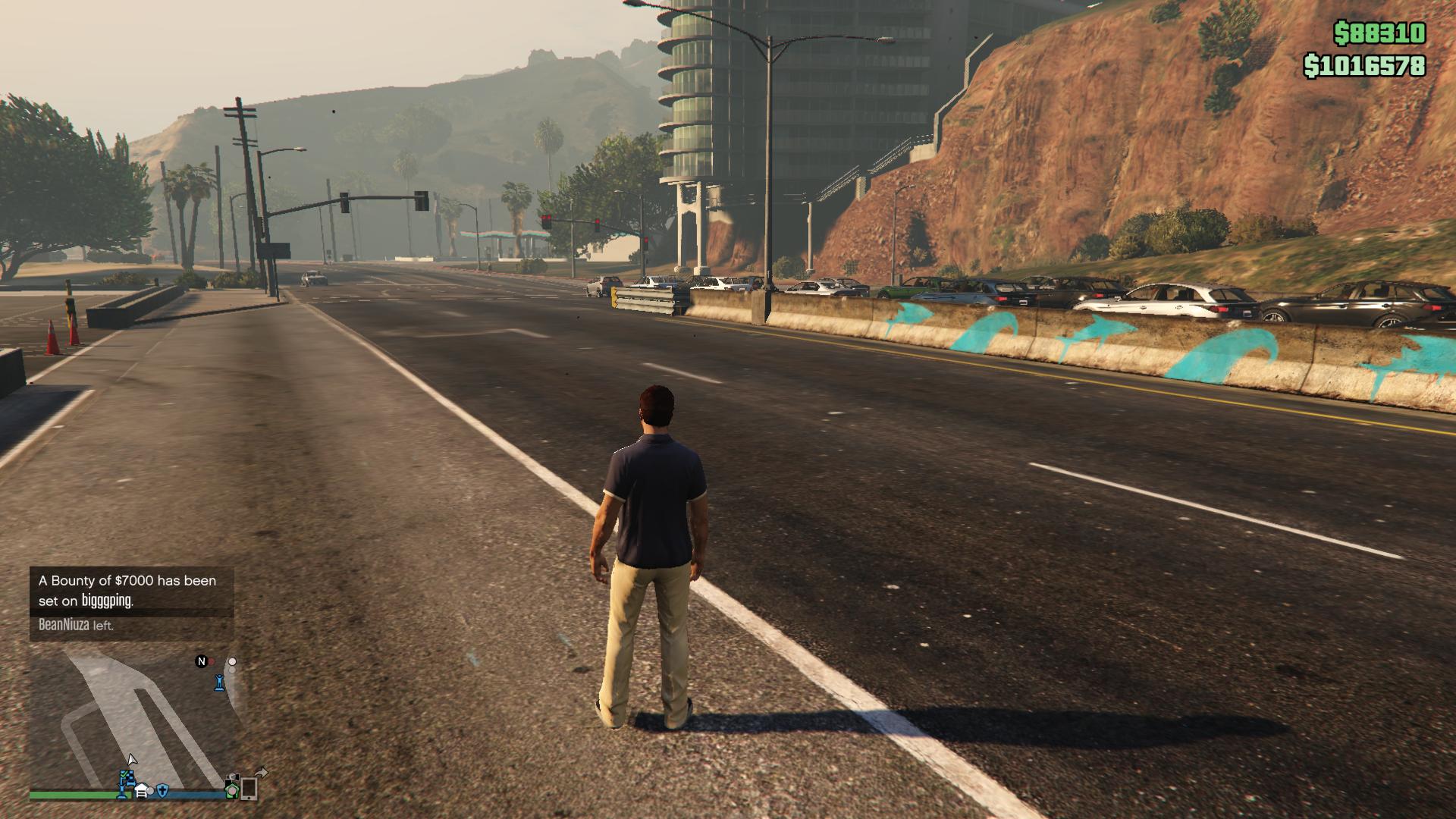
Running a FiveM server can be exciting, but maintaining smooth gameplay and stable performance requires careful optimization. Many server owners install dozens of resources—scripts, maps, vehicles, and clothing packs—without realizing how these additions impact the performance of their Fivem Full Server Files and the overall player experience.
When FiveM Full Server Files are not properly optimized, issues such as lag, long load times, resource conflicts, and crashes can occur. These problems can frustrate players and reduce server retention. In this guide, we’ll walk through practical, expert-level tips to optimize your Fivem Full Server Files, improve server stability, and create a smoother gameplay environment.
Understanding How Fivem Full Server Files Work
Before optimization, it’s important to understand what the FiveM Full Server Files include.
A typical server package usually contains:
-
Core framework resources
-
Custom scripts
-
MLO interiors
-
Maps and environment assets
-
Vehicles and clothing
-
UI systems
-
Database configurations
These elements often come from a FiveM shop or fivem store, where server owners purchase or download custom assets. While these additions enhance gameplay, they also increase the server load. Poorly configured FiveM full servers can quickly become unstable if the resources are not optimized.

Why Server Optimization Matters
Optimizing your Fivem Full Server Files is essential for several reasons.
Better Server Performance
Heavy FiveM scripts, vehicles, and maps consume CPU and RAM. Optimization ensures your server runs smoothly even with high player counts.
Faster Loading Times
Large fivem cars pack, fivem clothing pack, or detailed fivem mlo interiors can increase loading time. Proper management keeps the experience smooth.
Improved Player Retention
Players prefer servers with stable performance. Laggy servers often lose players quickly.
Reduced Crash Risk
Misconfigured resources or outdated FiveM ESX scripts and FiveM QBCore scripts often cause crashes.
Essential Optimization Tips for Fivem Full Server Files
1. Remove Unused or Heavy Resources
One of the biggest mistakes server owners make is overprovisioning resources.
Check your server and remove unused items such as:
-
Old fivem maps
-
Unused fivem cars
-
Unnecessary fivem clothes
-
Disabled scripts
If you are using Quality Fivem Cars or large vehicle packs, ensure they are optimized with proper texture sizes. Cleaning unnecessary files significantly improves performance.
2. Optimize Scripts and Framework Resources
Scripts are the backbone of your server. However, poorly optimized scripts can create heavy CPU usage.
Focus on:
-
Updating outdated Fivem ESX scripts
-
Optimizing FiveM QBCore scripts
-
Removing duplicate scripts
-
Disabling unnecessary loops in code
For example, advanced scripts such as FiveM Drug Script Ketamine, or economic scripts such as FiveM Script Bitcoin, should be carefully tested before deploying them to live servers.
3. Use Lightweight and Optimized MLOs
MLO interiors add realism but can become heavy if poorly optimized.
Examples of common interiors include:
-
Fivem Gang MLO
-
Mechanic MLO FiveM
-
FiveM MLO Business
-
Pd Mlo Fivem
-
House Mlos Fivem
Some detailed interiors like Jamestown St Church Mlo Fivem or Lake Vinewood Mlo Fivem may contain high-resolution assets. Reduce unnecessary props and textures when possible to maintain performance.
4. Control Map and Environment Assets
Large map files consume a lot of resources.
Popular maps such as:
-
Breze’s Bowling Map
-
Custom city expansions
-
Roleplay locations
should be optimized carefully. If you are using multiple Fivem maps, ensure they do not overlap or conflict.
5. Compress Textures and Assets
Large textures in vehicles, clothing, and props often slow down servers.
Assets like:
-
FiveM clothing
-
FiveM clothing pack
-
FiveM Emotes Pack
-
FiveM Emotes Pack Kunt Vogue
should be compressed where possible. Reducing texture sizes while maintaining quality helps keep the server lightweight.
6. Optimize Vehicles and Car Packs
Vehicles are one of the heaviest assets in FiveM.
If you are using fivem cars pack or multiple quality fivem cars, check for:
-
Duplicate vehicle models
-
High polygon models
-
Unoptimized textures
Large vehicle packs can significantly increase server load. Always test new FiveM cars before deploying them to production servers.
7. Monitor Server Resource Usage
Use monitoring tools to identify problematic resources.
Check:
-
CPU usage
-
Memory consumption
-
Resource start times
-
Script errors
Some resources may silently cause issues, especially large FiveM scripts or poorly optimized FiveM MLOS.
Advanced Optimization Strategies for Server Owners
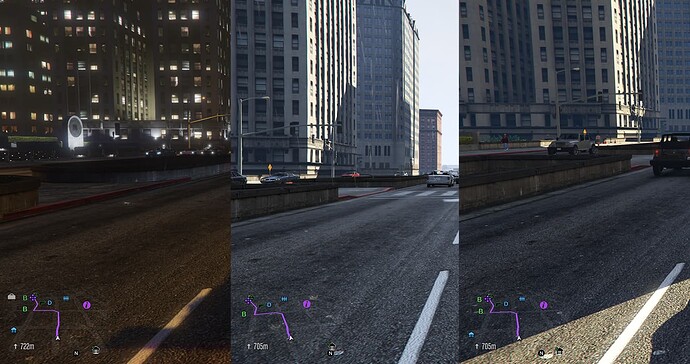
For server owners running professional communities, advanced optimization becomes essential. FiveM Server Optimization involves analyzing the entire server ecosystem.
This includes:
-
Database query optimization
-
Resource restart management
-
Server-side caching
-
Event optimization
Large roleplay servers often include assets like:
-
Multicharacter FiveM ESX
-
FiveM Police Backgrounds
-
Custom fivem chain accessories
-
Roleplay economy systems
Without proper FiveM Server Optimization, these features can slow down gameplay. Server owners managing Fivem server-for-sale projects often prioritize optimizing server files to ensure scalability and stability.
Common Mistakes
Even experienced server owners make mistakes when configuring servers.
Here are some common problems:
Installing Too Many Resources
Too many scripts, vehicles, and maps can overwhelm the server.
Ignoring Script Conflicts
Some FiveM scripts may conflict with one another.
Using Unoptimized Downloads
Assets from unknown sources may contain poorly optimized models.
Not Testing Updates
Always test new resources before adding them to live FiveM full servers.
Expert Tips for Maintaining a High-Performance FiveM Server
Experienced server developers follow a few key practices:
-
Keep server resources minimal and optimized
-
Use updated frameworks and scripts
-
Avoid unnecessary duplicate assets
-
Monitor server logs regularly
-
Test new updates in a staging environment
Servers built with optimized Fivem Full Server Files are easier to maintain and scale.
Final Thoughts
Optimizing Fivem Full Server Files is one of the most important steps in building a successful FiveM community. A well-optimized server runs faster, crashes less, and provides a better experience for players. By carefully managing FiveM scripts, maps, vehicles, MLOs, and clothing packs, server owners can maintain stable and scalable servers. If you’re building or upgrading a server, investing time in proper optimization will ensure your fivem full servers remain reliable, high-performing, and ready for growth.
For more updates and details, visit our Pinterest Profile!
Frequently Asked Questions
What are Fivem Full Server Files?
FiveM Full Server Files are complete server packages that include scripts, maps, vehicles, interiors, and configuration files required to run a FiveM server. They allow server owners to quickly launch a fully functional roleplay or custom server.
Where can I find resources like scripts and MLOs?
Many server owners purchase assets from a FiveM shop or fivem store where they can find scripts, vehicles, clothing packs, and custom interiors. These stores often provide ready-to-install resources for servers.
Do MLO interiors affect server performance?
Yes, heavy interiors, such as Fivem Police MLO, Mechanic MLO FiveM, or Fivem Gang MLO, can affect performance if they contain large textures or too many props. Optimized MLOs help maintain smooth gameplay.
Which frameworks work best with optimized servers?
Both fivem ESX scripts and fivem QBCore scripts can work efficiently when properly configured. The key is ensuring scripts are updated and optimized.
How many resources should a FiveM server have?
There is no fixed number, but a balanced server typically has 150–300 resources, depending on the server hardware and optimization. Quality and optimization matter more than quantity.

