



FiveM Manual Vehicle Engine Control Script
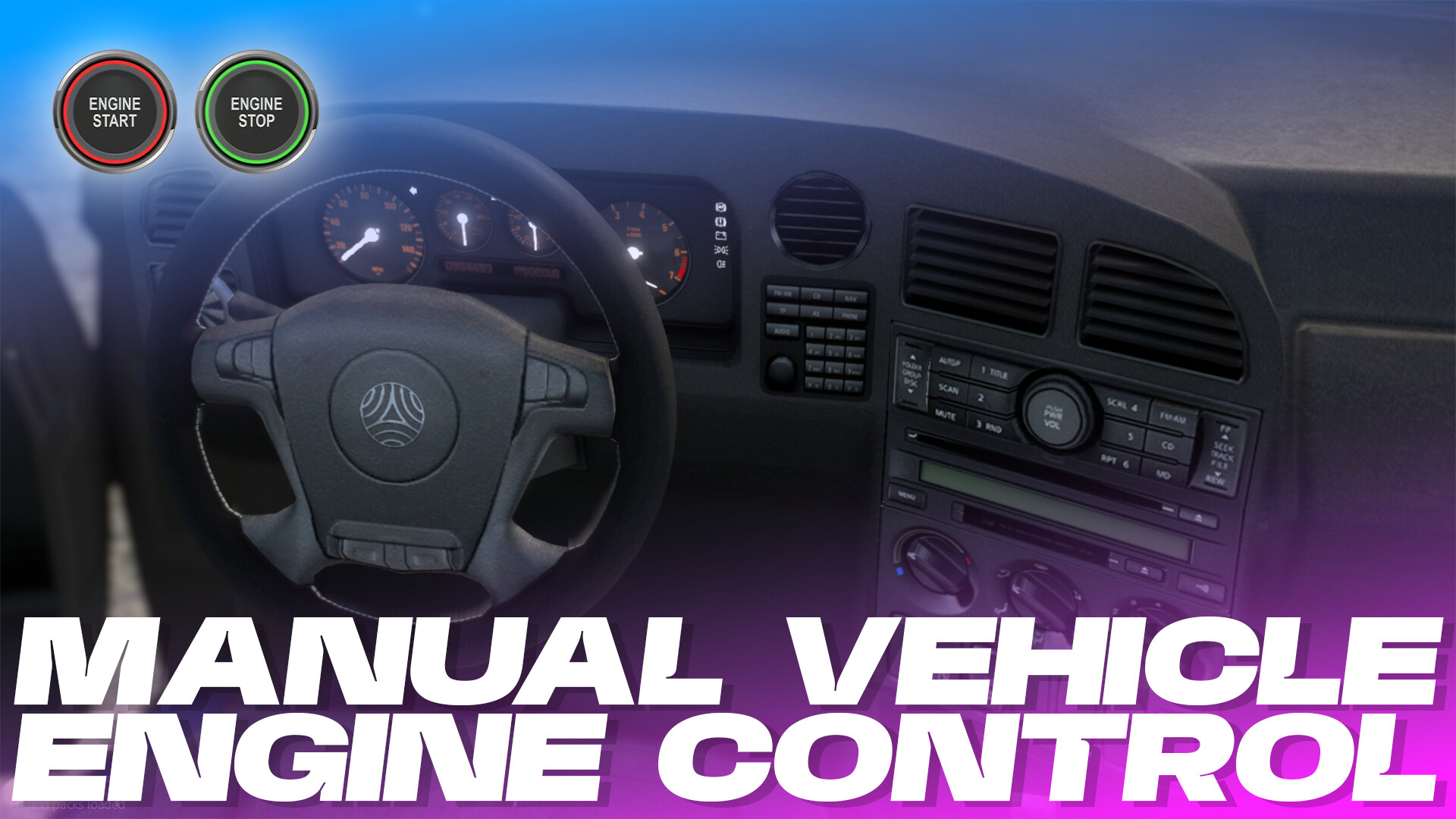
The FiveM Manual Vehicle Engine Control Script adds a realistic and immersive vehicle engine management system to your server by replacing GTA’s default engine behavior. Players can manually start or stop vehicle engines using a configurable keybind, creating a more authentic roleplay experience.
This script supports persistent per-vehicle engine states, realistic safety restrictions, engine sounds, UI feedback, and compatibility with vMenu overrides, making it a valuable addition for serious RP servers.
Features Overview
| Feature | Details |
|---|---|
| Manual Engine Toggle | Players can turn engines on or off with a configurable keybind |
| Vehicle-Specific Engine State | Each vehicle remembers whether its engine is ON or OFF |
| Persistent Engine Status | Engine remains running or off even when players exit or enter |
| Realistic Stationary Requirement | Prevents engine toggling while driving |
| Sound Effects | Includes engine start and stop sounds |
| UI Notifications | Visual feedback for engine toggles |
| vMenu Override Support | Can override Engine Always On settings |
| Multiplayer Consistency | Same engine state shared across all players |
How It Works
Unlike standard GTA behavior where vehicles automatically start, this script gives players full manual control.
Engine Start and Stop
- Press the configured keybind to toggle engine state.
- Engine startup and shutdown include immersive sound effects.
- On-screen UI confirms the engine status.
Persistent Vehicle States
If a player leaves a vehicle with the engine running, the engine remains on for the next player who enters.
If a player leaves it turned off, it stays off until manually started.
Realistic Restrictions
- Vehicle must be fully stopped.
- Engine cannot be toggled while moving.
Benefits for Roleplay Servers
| Benefit | Impact |
|---|---|
| Increased Immersion | Realistic vehicle operation |
| Better RP Scenarios | Traffic stops, breakdowns, vehicle theft RP |
| Consistent Mechanics | Same system for all players |
| vMenu Compatibility | Prevents conflicting engine controls |
Why Use This Script
Many servers want to remove arcade-style automatic engine behavior. This script introduces realistic vehicle ownership and control while maintaining simplicity for players.
- Police RP servers
- Civilian roleplay servers
- Hardcore realism communities
- ESX servers
- QBCore servers
- Standalone FiveM servers
Installation Notes
- Add the resource to your server.
- Configure the engine toggle keybind.
- Adjust optional sound and UI settings.
- Configure vMenu override if needed.
- Restart the server resource.
For more FiveM scripts, tutorials, and server tips, visit our website and join our community of server owners and developers. Let’s build the ultimate roleplay experience together!


Reviews
There are no reviews yet.