
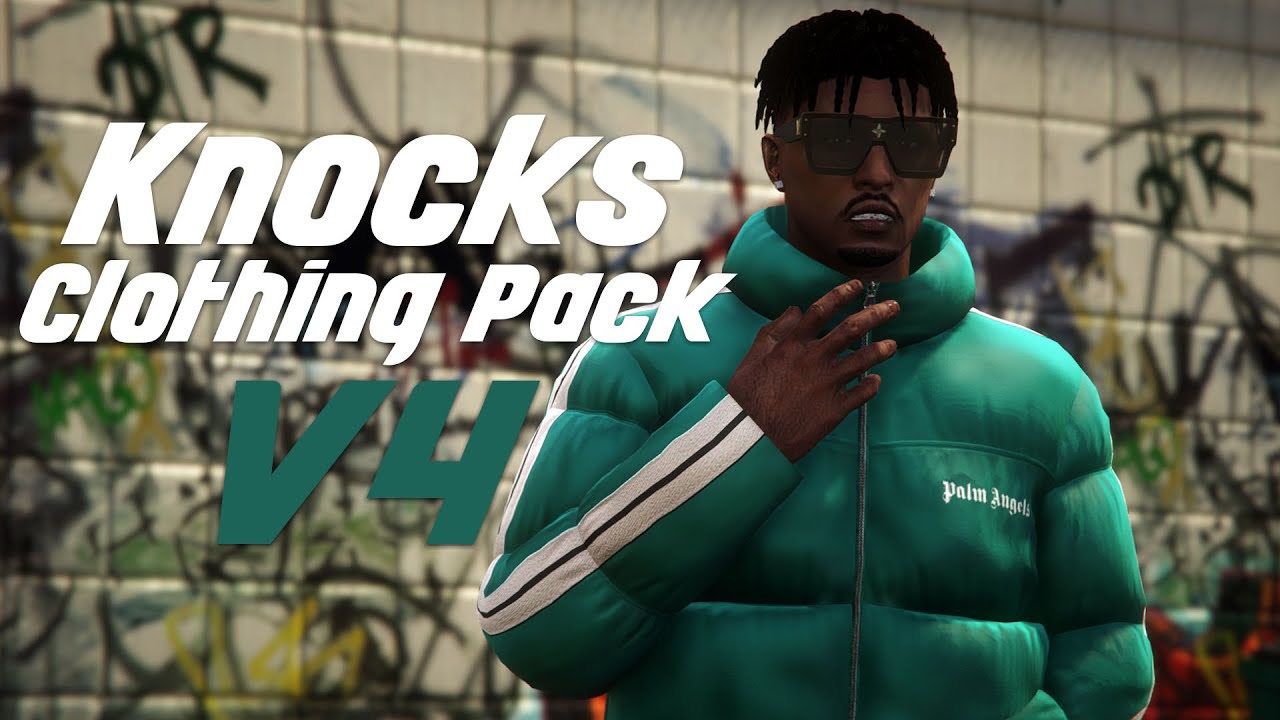
When building a FiveM server, customization is key to delivering an immersive roleplay experience. One of the most significant ways to enhance player interaction and realism is through FiveM clothing pack These packs allow server owners and players to choose from a wide array of outfits, helping to establish the perfect look for their characters.
Whether you’re running a police department, a gang faction, or a high-end business, Fivem clothing packs bring unique identities and personalities to the game. In this guide, we’ll walk through how to use and integrate a FiveM clothing pack into your server, enhancing the overall roleplay.
What Are FiveM Clothing Packs and Why Are They Essential for Roleplay Servers?
FiveM clothing packs are bundles of custom-made clothing items, such as shirts, pants, accessories, hats, and more, that can be added to your FiveM server. These packs are tailored for various types of roleplay—whether it’s for police, gang, or business purposes.
-
Police and Emergency Packs: Essential for law enforcement and first responder roleplay.
-
Gang Packs: Helps define character factions with streetwear, tattoos, and branded items.
-
Business Packs: Features professional attire suited for corporate and executive roleplay.
Having a variety of clothing choices available allows players to embody their roles fully, making the server feel more dynamic and alive.
How to Integrate a Complete Fivem Clothing Pack
1. Choose the Right Pack for Your Server
The first step in integrating FiveM clothing packs is choosing the right pack that fits your server’s theme. For example, if your server revolves around a corporate roleplay, look for a FiveM business MLO that includes formal wear and accessories. If you’re setting up a gang-related server, a FiveM gang MLO might be more appropriate, offering streetwear, tattoos, and accessories typical of gang culture.
You can explore a variety of packs on reputable sources like the FiveM store or community-driven sites.
2. Download and Extract the Clothing Pack
Once you’ve selected the FiveM clothing pack that fits your server, download the files and extract them to a location on your computer. Ensure that you are using the latest version of the pack to avoid compatibility issues. Pay close attention to the formats to ensure they are compatible with your FiveM server configuration.
3. Upload the Pack to Your Server’s Resources Folder
After extraction, the next step is to upload the clothing pack to your server. This is done by placing the relevant files into your server’s resources folder. You may want to create a separate folder for each clothing pack for easier management.
Once the pack is uploaded, you will need to configure the server to recognize these new items.
4. Update the Server Configuration (server.cfg)
To make the clothing pack work in-game, update your server configuration file. Add the following line to the server.cfg file:
This line ensures that the clothing pack is loaded when the server starts. Make sure you restart your server after making these changes.
5. Test the Pack In-Game
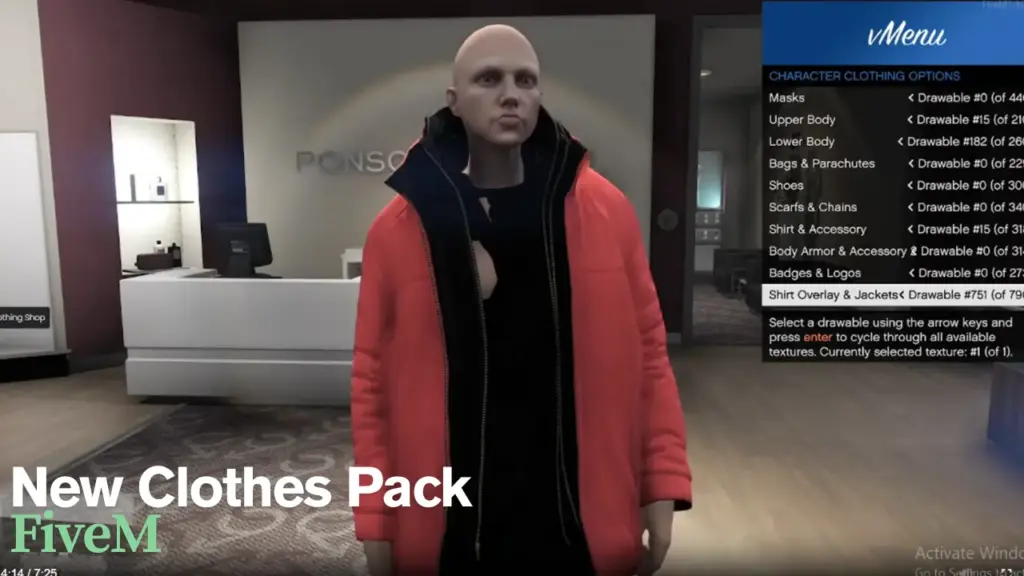
Once everything is configured, launch your server and test the FiveM clothing pack in the game. Ensure the clothing items show up in the menu, and players can wear them without issues. If you encounter errors, check the console for troubleshooting details and ensure that all file paths and configurations are correct.
Why Use FiveM Clothing Packs?
FiveM clothing packs are not just about looks; they significantly enhance the roleplay experience by adding depth to character development. Here’s how:
1. Customizability for Different Roles
Whether you’re roleplaying as a police officer, a business tycoon, or a gang leader, these packs allow you to adapt your character’s appearance to fit the role. Custom outfits elevate the experience and help create a visually immersive environment.
2. Increased Server Engagement
Unique and diverse clothing items encourage players to fully embrace their roles. When players can customize their outfits, they feel more connected to the story, driving more engagement and longer play sessions.
3. Server Uniqueness
A FiveM business MLO or FiveM gang MLO can set your server apart from others. By offering exclusive clothing packs tailored to your server’s needs, you create a unique atmosphere that other servers might not have, attracting a dedicated player base.
Common Mistakes When Using FiveM Clothing Packs
1. Overloading the Server with Too Many Items
While it’s tempting to add as many clothing items as possible, keep in mind that too many custom files can slow down the server. Be selective with the clothing packs you choose to ensure the game runs smoothly.
2. Not Testing on Multiple Players
Sometimes, clothing items may appear correctly for the server owner but not for other players. Always test with multiple users to ensure compatibility and that all textures and items display properly.
3. Forgetting to Update the Pack
Custom clothing packs may receive updates or bug fixes from the creators. Be sure to check for updates and upload the latest version to ensure you have the best performance and avoid glitches.
Expert Tips for Using FiveM Clothing Packs Effectively
-
Create Themes: Curate your packs based on server themes. For example, FiveM gang MLO clothing could feature unique jackets, hats, and logos that represent different factions, while FiveM business MLO can include suits and formal wear for corporate settings.
-
Manage File Sizes: Compress large clothing files to reduce their size. Smaller files improve server performance, ensuring that more players can join without lag.
-
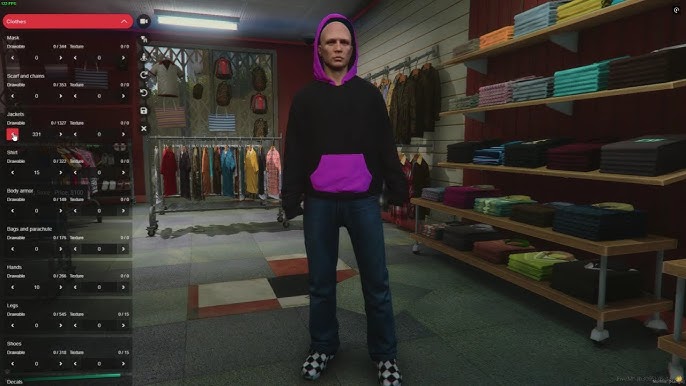
Leverage Skin Variants: Use FiveM shop options to give players the ability to swap between skin variants, allowing them to switch between different outfits for various roleplay scenarios.
Frequently Asked Questions (FAQs)
1. How do I add clothing packs to my FiveM server?
To add clothing packs, download the desired pack, upload the files to your server’s resources folder, and update the server.cfg file to start the pack when the server runs.
2. Can I customize clothing items in FiveM?
Yes, many clothing packs allow for customization. You can change textures, add new accessories, or even modify the designs to fit your server’s theme.
3. Are all FiveM clothing packs free?
No, some clothing packs are available for free, while others can be purchased through platforms like the FiveM store.
4. How can I ensure that my server doesn’t get overloaded with too many clothing packs?
Be selective with the clothing packs you use. Test them for perforfmance and ensure that your server can handle the load before adding multiple packs.
5. What should I do if the clothing pack doesn’t work correctly?
If a clothing pack doesn’t display or work correctly, check the server’s console for errors, ensure the files are in the right place, and verify that the pack is compatible with your server version.
Conclusion: Enhancing Your Roleplay Server with Custom Clothing Packs
Integrating FiveM clothing packs into your server is one of the best ways to create an immersive roleplay experience for your players. By selecting the right packs, customizing them for different roles, and ensuring they are properly installed, you can elevate your server to the next level. Whether it’s for a FiveM business MLO, FiveM gang MLO, or simply adding more customization to your roleplay, clothing packs are essential for delivering the best experience.
For more updates and details, visit our Pinterest Profile!

